Teachers and schools
You do not need to be a robotics teacher.
Hand out one Classroom Set, open a lesson that is already written, and a class of forty builds something that moves before the bell. Three hours of training is what stands between a teacher who has never taught robotics and one who runs it in their own subject.
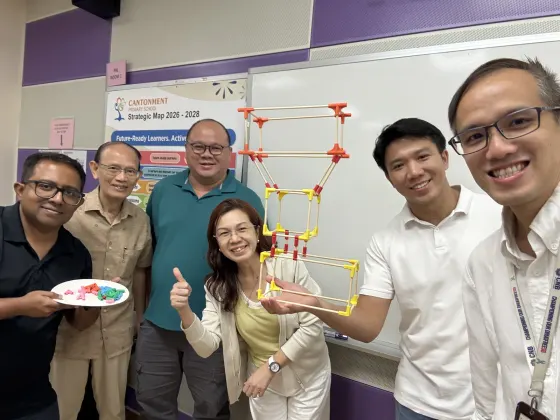 A teacher workshop, Singapore
The honest bit first
Teachers rate the workshop 4.67. They rate their own confidence to plan a lesson 3.96.
That gap is the real problem in hands-on teaching, and pretending it does not exist is how a kit ends up in a cupboard. Loving a workshop is easy. Walking into your own classroom on a Tuesday with thirty students and a plan is the hard part.
So the lessons arrive written. Slides, a materials list, the build steps, the questions to ask, and what to do when a group finishes early. You are not being handed a box and wished luck.
Our own post-workshop survey, Level 2 dataset.
What arrives
One Classroom Set. Ten kits. Forty students.
Bamboo chopsticks and printed connectors, which is the frame, plus a board and motors, which is what makes it move. Students build the structure themselves instead of clicking together parts that were already the right shape, and that is the whole difference.
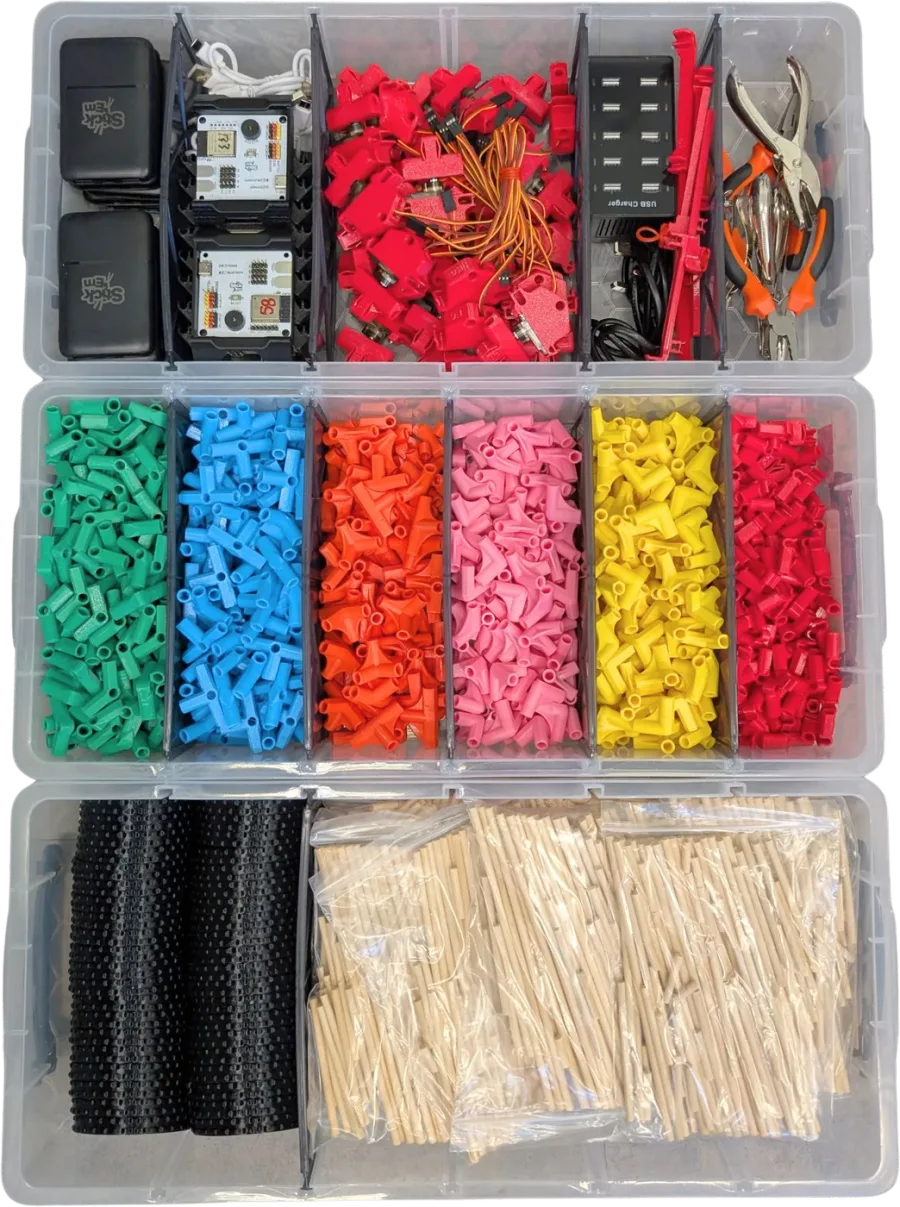
The one thing worth reading twice: the expansion kit is called the Sensor Kit, and it is not in a standard Classroom Set. More orders are reported as incomplete over that one naming difference than over anything that has ever actually been missing from a box.
What a lesson looks like
Three steps, and the first one runs the week the set arrives.
Pick a lesson
Over a hundred are written, sorted by subject rather than by robot, and mapped to what you already have to teach. Six are free with no account at all.
Hand out the set
Groups of two to four. Nothing to solder, nothing to install, no specialist room. The building part needs nothing plugged in.
They get it wrong, then right
A class takes a build apart four times and still finishes with something that moves. That is the lesson, not the failure mode.
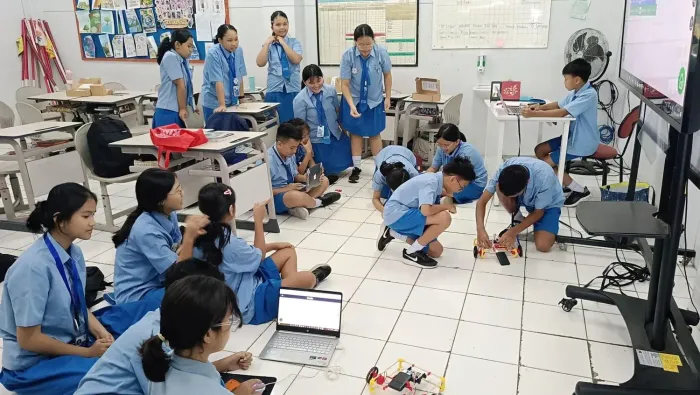
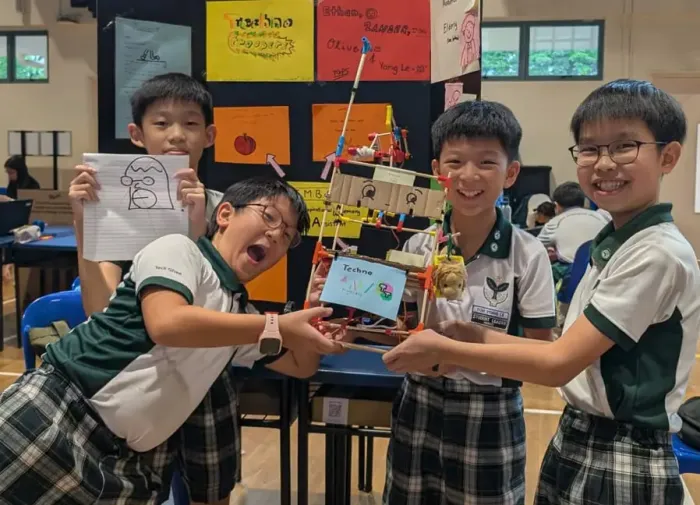

Stick ’Em Academy
Lessons for the subject you actually teach
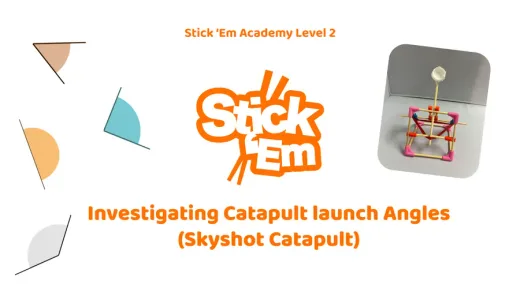
Not a robotics syllabus with your subject bolted on. A catapult is an angles lesson. A coastal barrier is a geography lesson. A build a student has to pitch to the class is a language lesson. Pick your subject and see what is already written.
Build real answers to real problems
Students start from a problem they can see, build something that works, and make it better after watching it fail.
- Design for Disaster Relief
- Learn about Assistive Technology
- Designing an Inclusive Playground
- Design Stray Shelters
- Designing Coastal Protection Strategies
- + 4 more in Academy

Visualise the world and abstract concepts
Mass, force, angles and energy stop being formulas once a student has to build the thing that proves them.
- Investigate Angles
- Explore Earthquakes
- Explore Magnetism
- Investigate Biomimicry
- Explore Bridges
- + 25 more in Academy
Build together, fail together, try again
Every build is a group build, so students share the work, survive a collapse, and learn that the second try is the point.
- Superhero Fashion Show
- Designing an Inclusive Playground
- Design Stray Shelters
- Discovering your Passion
- Investigate Senses
- + 5 more in Academy

Demystify emerging technologies
Students train a real vision model and drive a robot with their own body, so AI is something they made, not something that happened to them.
- Build a Computer Vision Model
- Build an AI Pose-Control Humanoid Robot
- Training a Scissor Paper Stone Robot
- Training an AI powered scarecrow
- Training an Automated Trash Sorting Bin
- + 3 more in Academy
Make history and culture something you can hold
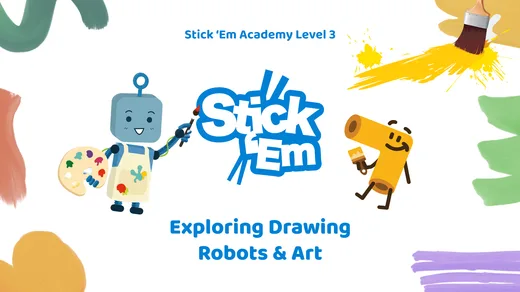
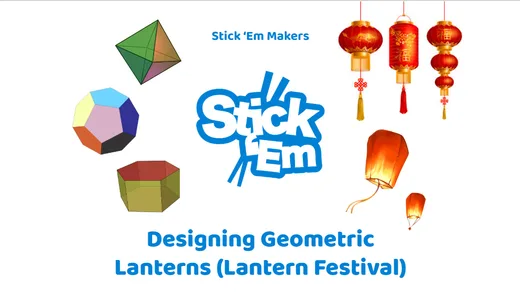
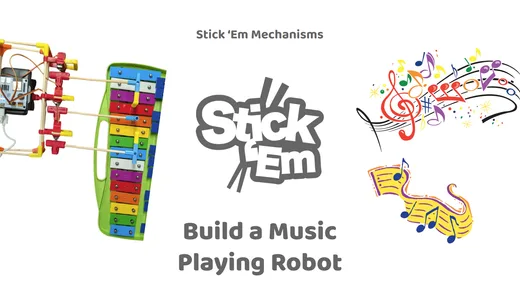
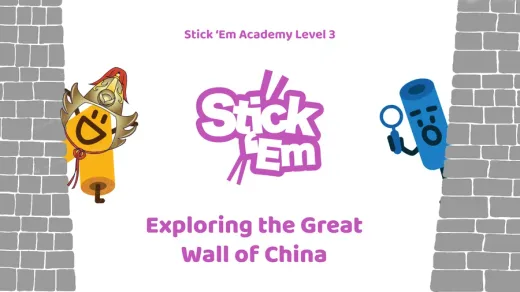
A drawing machine, a Great Wall, a cultural symbol: students rebuild what they study and say why it was built that way.
- Explore Drawing Robots & Art
- Design Geometric Lanterns
- Build a Music Playing Robot
- Explore the Great Wall
- Exploring Landmarks in Southeast Asia
- + 6 more in Academy
From simple robots to mission-ready machines
Nothing to solder and nothing to install. A class builds a robot that moves in one period, then adds mechanisms, sensors and code.
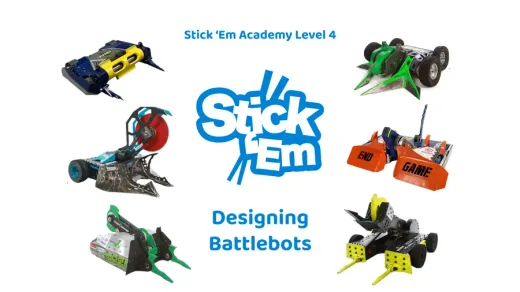
- Design Battlebots
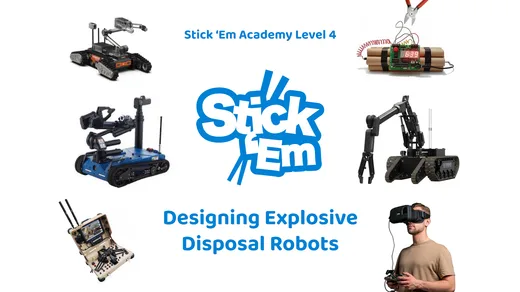
- Design Explosive Disposal Robots
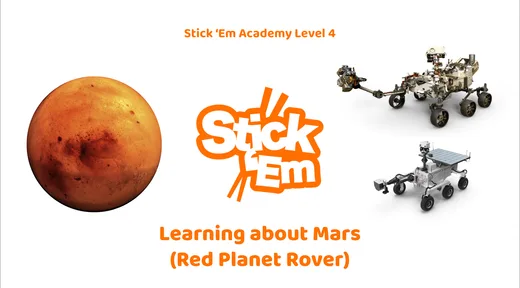
- Learn about Mars
- Build an AI Pose-Control Humanoid Robot
- + 35 more in Academy
Build it, then stand up and present it
Students build first, then pitch it, narrate it and write it up. A reluctant writer suddenly has something to say.
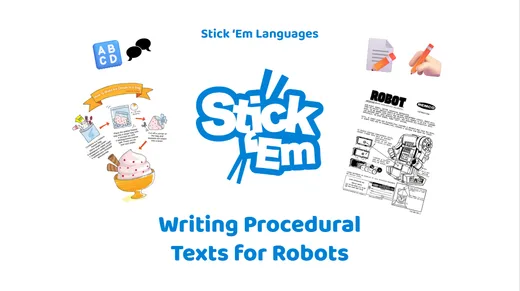
- Writing Procedural Texts for Robots
- Learn about Dragon Boat Festivals
- How to Elevator Pitch
- How to Search for Information
- How to Create a Pitch Deck
- + 2 more in Academy

Design artifacts from the future
Recycling, farming, disaster relief. Students prototype the answers to problems that will be theirs to solve.
- Imagining Futuristic Cities
- Imagining Life on Another Planet
- Imagining Human Upgrades
- Imagining Jobs of the Future
- Imagining Schools of The Future
- + 8 more in Academy


Six lessons are free with no account, at all times.
Teacher workshop
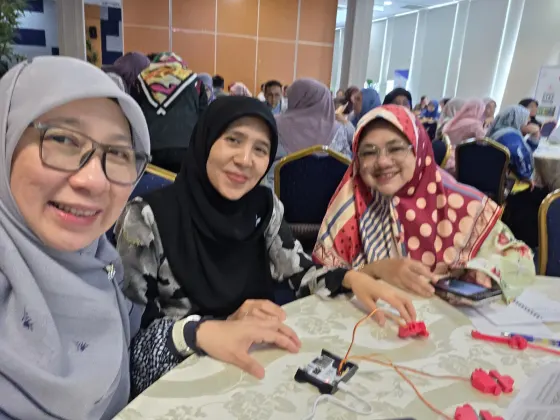
Three hours, and your teachers leave with a lesson they wrote.
Every deployment includes it. Teachers build a working robot themselves first, because nobody teaches something they have not done, and then plan an activity for their own subject and their own class.
The people who run it are usually the least confident in the room at the start. Art teachers, language teachers, Mother Tongue teachers. That is on purpose: if it only works for the physics department it does not work.
What it costs
About a tenth of conventional classroom robotics.
Starting points, not a price list. What you pay depends on how many classrooms, which term, and whether you want training and Academy access in the same order. Ask and you will get a real quotation with your school's name on it.
Classroom Set
fromS$1,000
per set
Ten Robotics Kits in one bin. Up to forty students, in groups of two to four.
Small Pilot Set
fromS$5,940
one school, one year
Two Classroom Sets, Academy access for eighty students for a year, and a teacher workshop for up to thirty.
Robotics Kit
fromS$100
per student kit
The connector kit and the electronic kit together. This is the whole buildable robot.
Sensor Kit
fromS$35
per kit
Ultrasonic, light, temperature, humidity, gyroscope and an LCD. Sold separately.
Getting it past your finance office
Next to the alternatives
Same lesson, different order of magnitude.
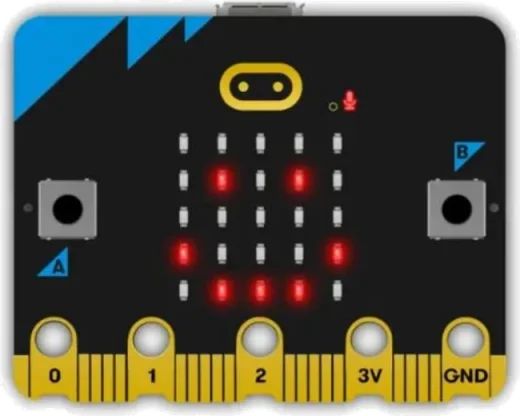
micro:bit
v2 Go Bundle
About S$32
US$24.95 list, board only
- Cheapest way into coding
- Free lessons on microbit.org
- Structure and motors bought separately
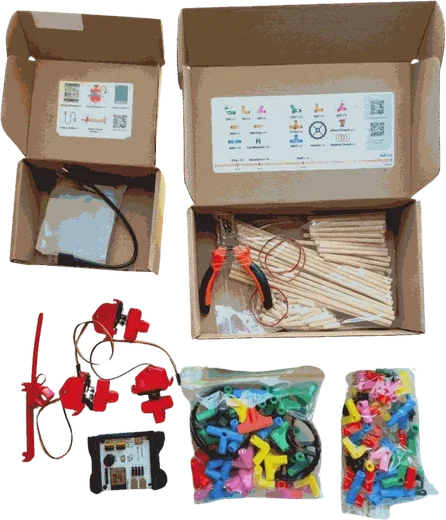
Stick ’Em
Individual robotics kit
S$100
per student kit
- Teacher workshop included
- Over 100 lessons across every subject
- Runs in a browser on a shared Chromebook
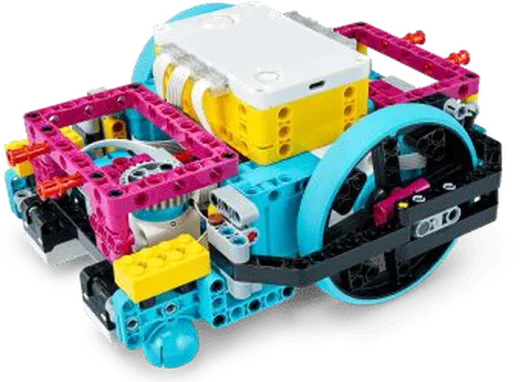
LEGO Education
Computer Science and AI kit (SPIKE successor)
About S$460
From US$339.95 per kit, US$84.98 per student in fours
- Lesson plans published with the product
- Apps for Chromebook, iPad and desktop
- One kit is written for a group of four students
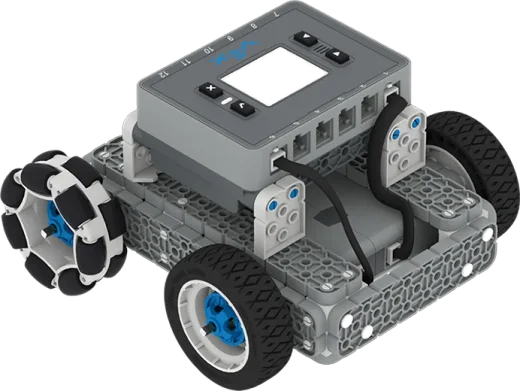
VEX IQ
IQ System Bundle, 2nd generation
About S$500
US$384.99 list
- Strong competition programme
- VEXcode runs in a browser
- Field and game elements sold separately
The full comparison, row by row, and where the prices come from
micro:bitAbout S$32 (US$24.95)
Stick ’EmS$100
LEGO EducationAbout S$460 per kit (from US$339.95), which LEGO states as US$84.98 per student in groups of four
VEX IQAbout S$500 (US$384.99 list)
LEGO Education has retired the SPIKE portfolio and publishes no list price for the SPIKE Prime set. Its replacement, the Computer Science and AI kit, is listed from US$339.95 per kit for a group of four, which the company states as US$84.98 per student.
micro:bitA single circuit board with battery pack and cable. Structure and motors are bought separately.
Stick ’EmMicrocontroller and building kit: one electronics board, servo motors, bamboo chopsticks and geometric connectors
LEGO EducationMoulded plastic elements with a programmable hub, motors and sensors
VEX IQMoulded plastic structural parts with a robot brain, smart motors and sensors
Stick ’Em chopsticks are consumable by design and replaced about once a year, which is what keeps the running cost low.
micro:bitNot for the board on its own. Building a working machine around it means sourcing and wiring extra parts.
Stick ’EmNo. The learning curve is about an hour and one three-hour workshop is enough to run a lesson.
LEGO EducationNot stated as a requirement. Training is available separately.
VEX IQNot stated as a requirement. Training is available separately.
Teachers rate the Stick ’Em workshop 4 or 5 out of 5 in 97 percent of post-workshop surveys across Singapore, the Philippines and Brunei.
micro:bitSelf-serve courses and lesson resources are published on microbit.org.
Stick ’EmYes. A three-hour workshop is part of every school deployment, at S$45 per teacher when bought on its own.
LEGO EducationOnline professional development is published by LEGO Education. In-person training is arranged separately.
VEX IQOnline professional development is published by VEX. In-person training is arranged separately.
Teachers write their own lesson plans during the Stick ’Em workshop and test them live with other teachers, so they leave with something they can run on Monday.
micro:bitYes. microbit.org publishes classroom resources in several subjects.
Stick ’EmYes. Lessons are published for Science, Maths, Languages, Arts, Humanities and Design.
LEGO EducationResources are published mainly for science, technology, engineering and computing.
VEX IQResources are published mainly for computer science, engineering and competition.
Academy lesson topics span Sciences, 21st Century Skills, Maths, Makerspace and Robotics, Design Thinking, Languages, Sustainability, Simulation Games, AI and Machine Learning, Arts, Futures Thinking and social and emotional learning.
micro:bitNo.
Stick ’EmNo. An ordinary classroom table is enough, and the set packs back into its storage boxes.
LEGO EducationNo. Mats and expansion sets are sold for particular activities.
VEX IQCompetition activities use a field and game elements, which are sold separately.
No playfield is one reason schools and partners can run a Stick ’Em competition in weeks rather than months.
micro:bitYes. Free lessons and projects are published on microbit.org.
Stick ’EmYes. Over 100 lessons in Stick ’Em Academy, with six introduction lessons free at all times.
LEGO EducationYes. Lesson plans are published with the product.
VEX IQYes. Lessons are published in the VEX library.
Academy lessons are written with Singapore teachers and mapped to the Ministry of Education's 21st Century Competencies.
micro:bitYes. MakeCode runs in the browser.
Stick ’EmYes. Block coding and Bluetooth control run in the browser with nothing to install.
LEGO EducationThe app is published for Chromebook, Windows, macOS, iPad and Android.
VEX IQVEXcode runs in the browser and as an installed app.
Schools with shared or older devices are the reason Stick ’Em stayed browser-first.
micro:bitThe board is reusable. Whatever it is built into depends on materials the school supplies.
Stick ’EmYes. Chopsticks are cut to length and connectors come apart, so the same set becomes a different build every lesson.
LEGO EducationYes, within the element set supplied.
VEX IQYes, within the structural part set supplied.
One classroom set supports hundreds of different builds using everyday materials like cardboard, string and bottles.
Public list prices as at September 2026. They vary by region, reseller and volume, and conversion is approximate. Check current pricing with each supplier before you build a budget.
- micro:bit v2 Go Bundle US$24.95 · source · checked 2026-09-13microbit.org lists official products but sells through resellers and does not publish a price. SparkFun is a listed official reseller.
- LEGO Education Computer Science and AI kit, the SPIKE replacement From US$339.95 per kit, stated by LEGO Education as US$84.98 per student for a group of four · source · checked 2026-09-13Announced 12 January 2026, shipping from April 2026, replacing the SPIKE portfolio.
- LEGO Education SPIKE Prime Set 45678 No list price published · source · checked 2026-09-13The product page is marked retired with no price. Teacher resources are stated as available until 30 June 2031.
- VEX IQ System Bundle (2nd generation), part 228-8658 US$384.99 · source · checked 2026-09-13Read from the vendor listing through the search index. vexrobotics.com blocks direct fetching, so confirm the figure on the page in a browser before publishing.
- Stick ’Em individual robotics kit S$100 · checked 2026-09-12Our own published price. See stickem.sg/schools for the full set.
- Currency conversion About S$1.30 to US$1 · checked 2026-09-13Approximate working rate used for the converted figures above. Not a quoted rate.
From teachers
The sentence we hear most often
“Do it. It’ll change your perception of robotics to a positive one, to something that is actually doable.”
“Common misconception: robotics is hard. But today, it became a myth.”
“I learned that it doesn’t take a robotics teacher to create a robot.”
“Electronics is not as intimidating as I had thought it to be.”
“They were so engaged my Principal had to force everyone out and stop for lunch, lol.”
“Stick ’Em is very easy to use and very kid friendly. Students can learn coding in a few minutes.”
“It makes STEAM interdisciplinary in lessons much easier and visible.”
“No limits to creativity. Can be applied as a module for student engagement in any topic or subject.”
“Program is easy to follow, even for non computer background.”
“At first it may seem challenging because it is a whole new spectrum for us, but it is definitely worth it and easy to learn!”
“Jump out of the box, trust your teammates and put on this ‘trial-and-error’ hat. Enjoy it.”
“Very eye opening and could make STEAM lesson planning more easier.”
Questions teachers ask
Teaching with it
The kit
Pricing and buying
Tell us about your school.
How many classes, which subjects, and which term you would like to start. A person reads it and replies, usually the same day.